Start with your catalog
Choose an existing WooCommerce product and use verified product data as the creative foundation.
SmartWoo brings CoderVex AI into WordPress—so your team can create product photos, videos, landing pages, FAQs, galleries, and conversion-ready content without leaving WooCommerce.
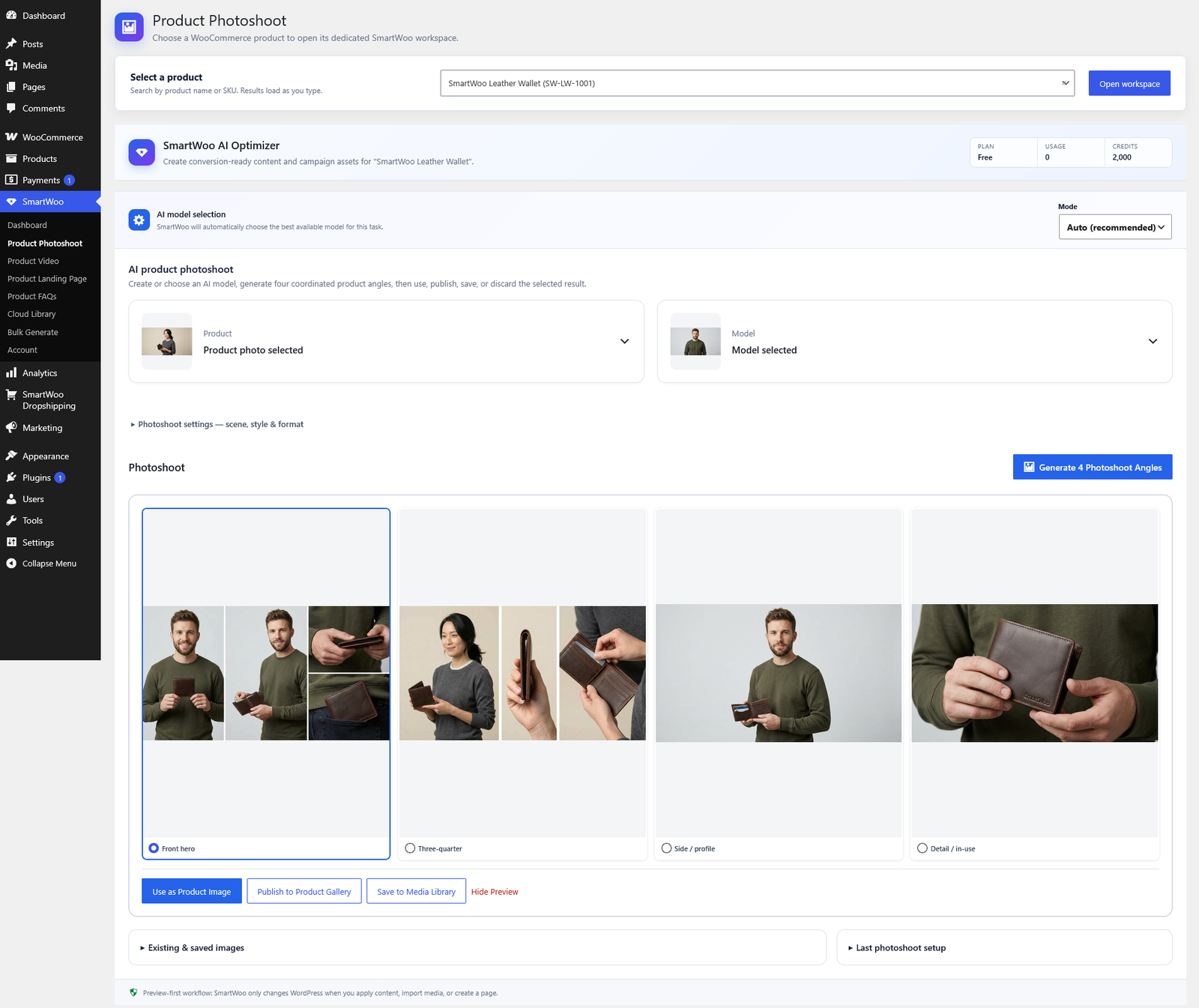
SmartWoo gives WooCommerce teams a focused AI workspace for the content shoppers see and the creative teams need.
Choose an existing WooCommerce product and use verified product data as the creative foundation.
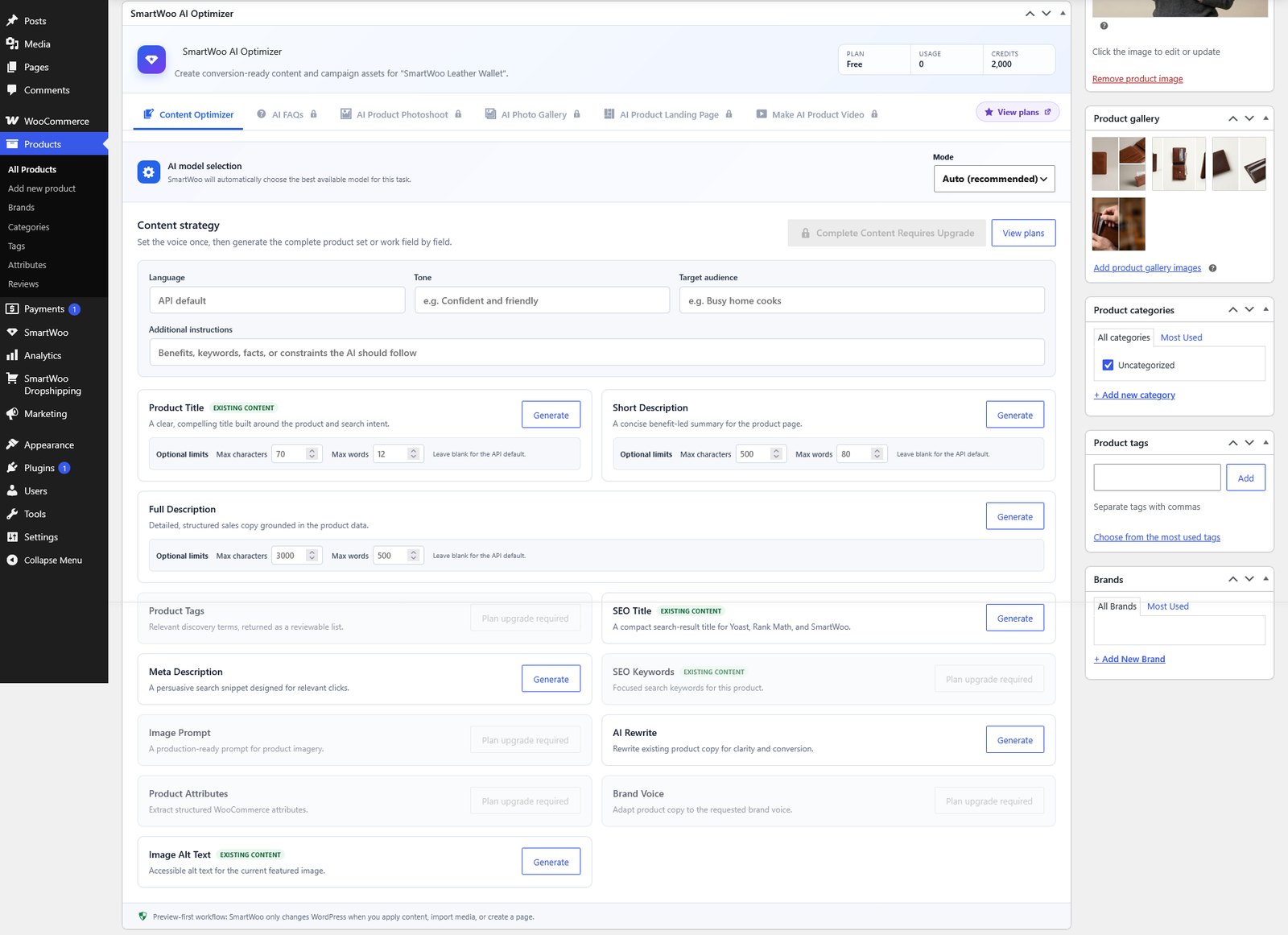
Generate visual assets and product content with a workflow designed for ecommerce.
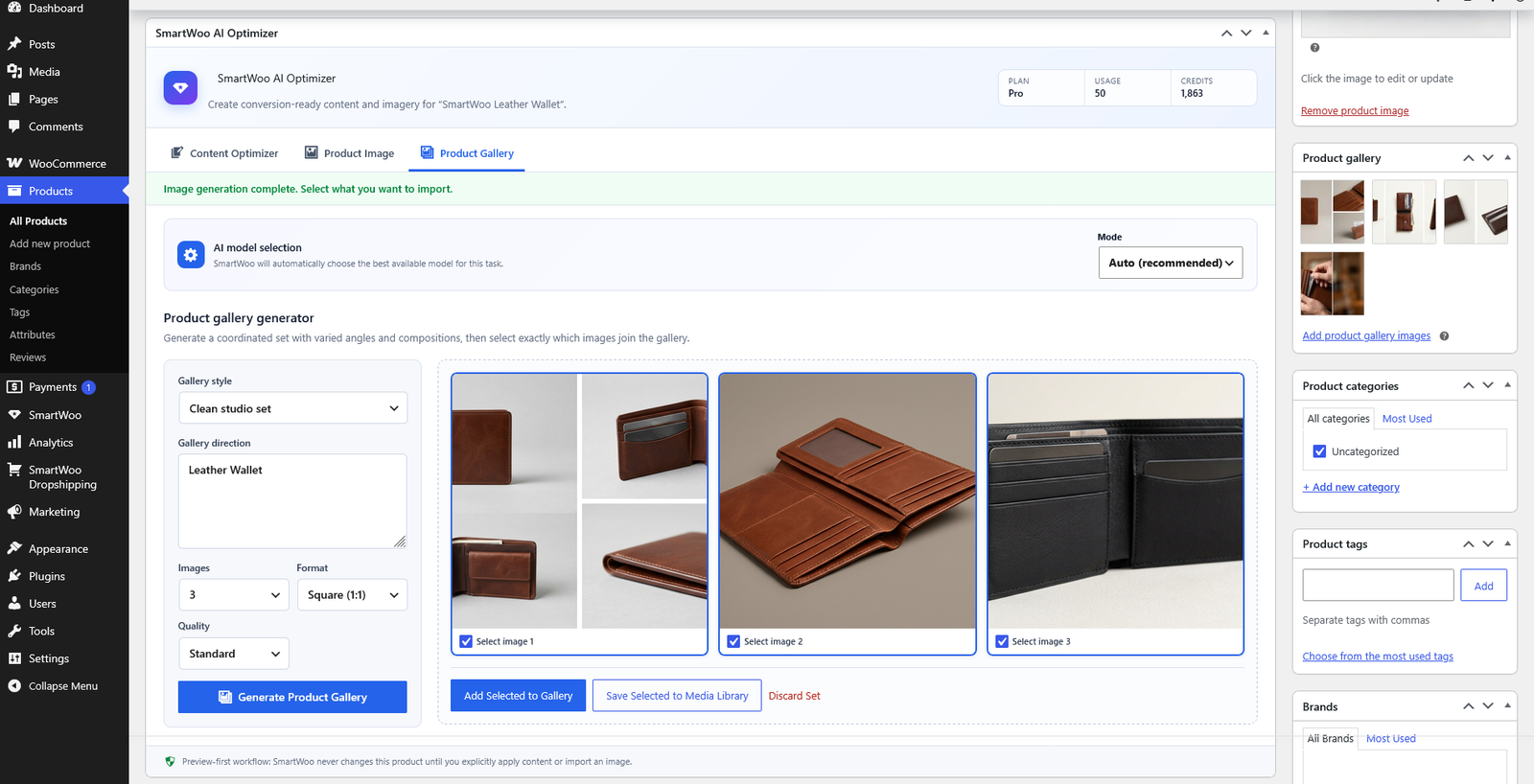
Preview results, then save selected work to the media library, product gallery, or page.
Move from a product record to high-quality commerce content using one connected workspace.
Turn a real product reference into coordinated product angles and lifestyle-ready visuals. Review each result, choose your favorites, and send them where they belong.
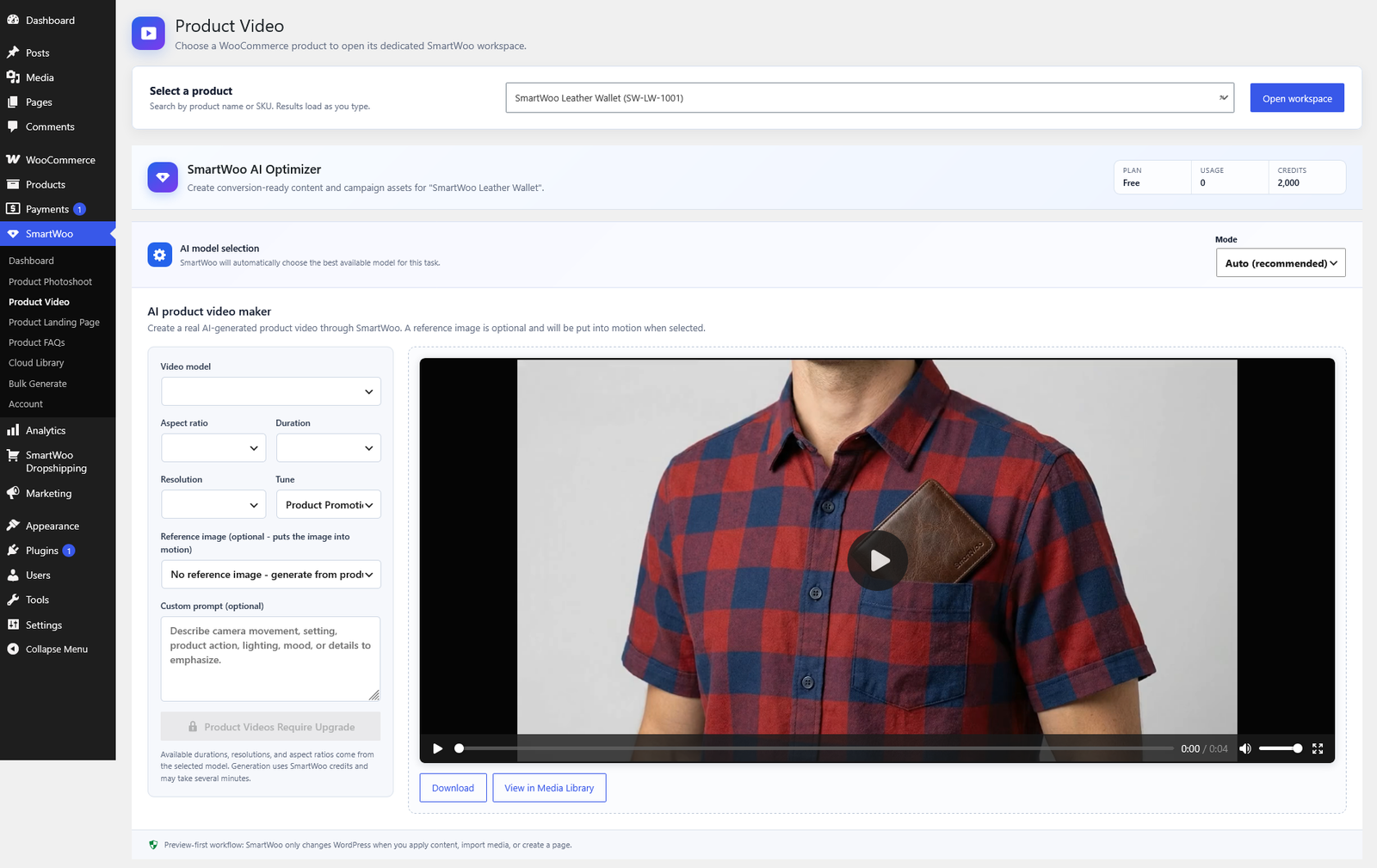
Build eye-catching product video from a product record, prompt, or reference image. Select a model, duration, aspect ratio, and creative direction without leaving WordPress.
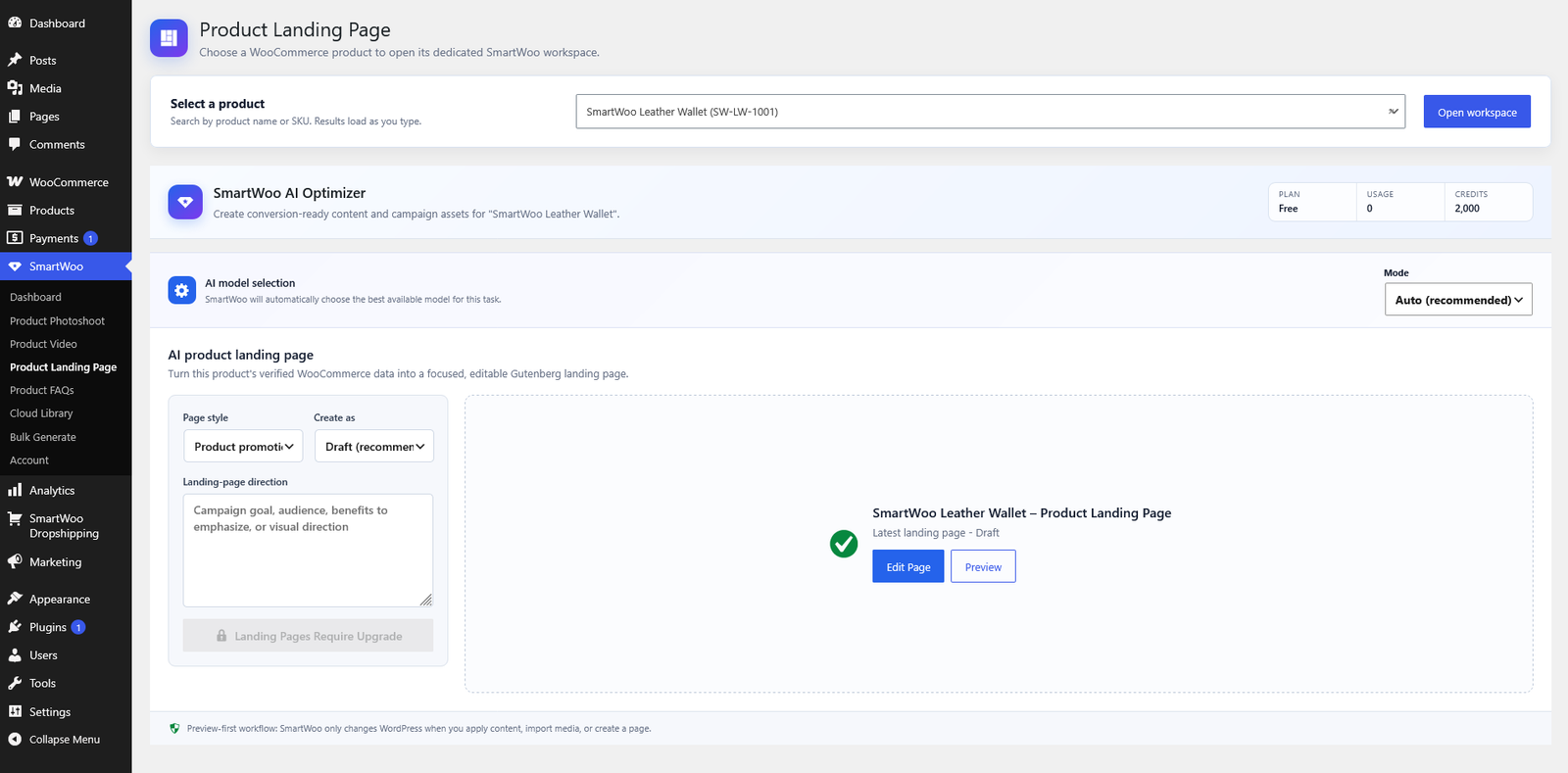
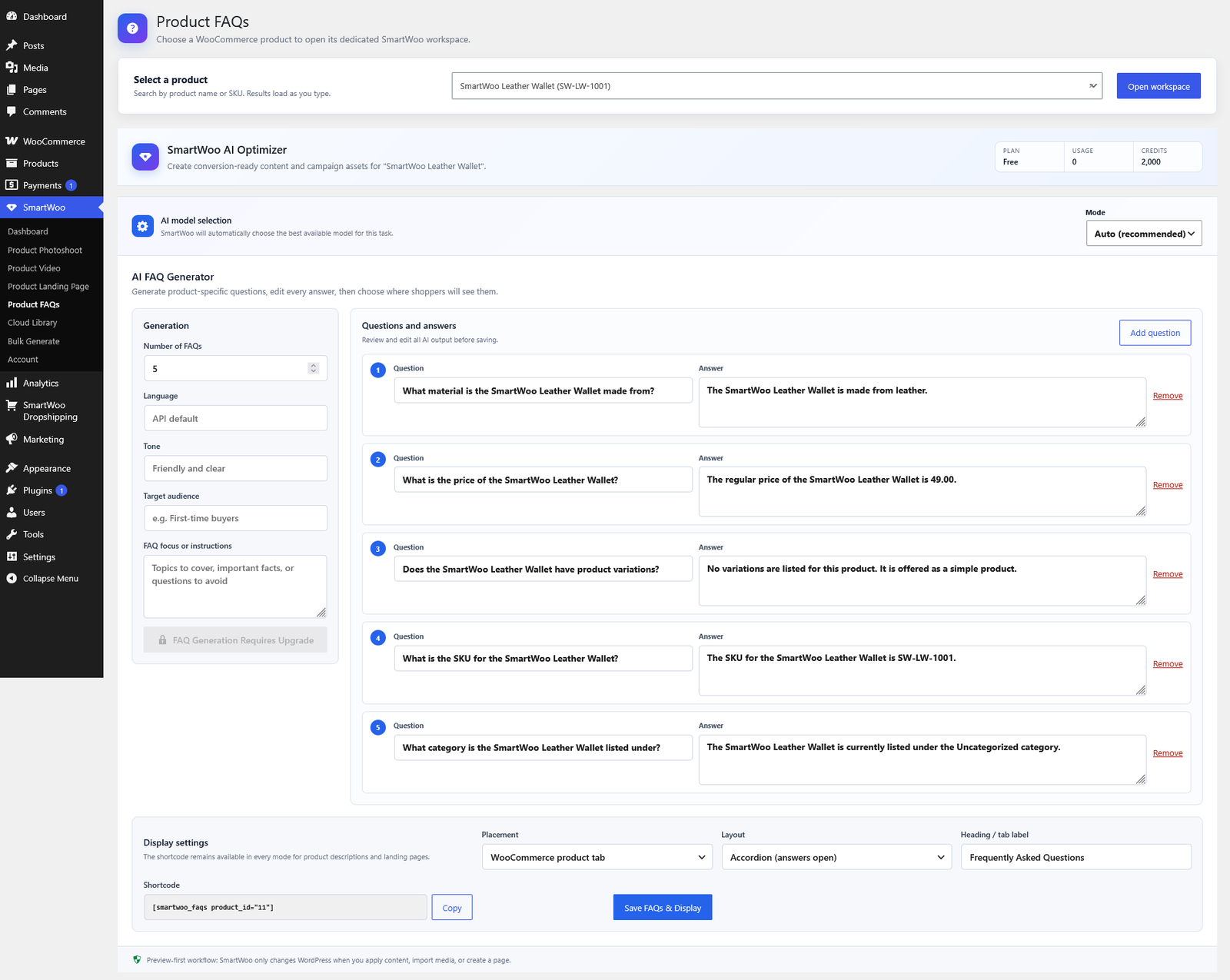
Develop a complete product story from trusted WooCommerce data. Create a focused landing page, then prepare answers that help customers purchase with confidence.
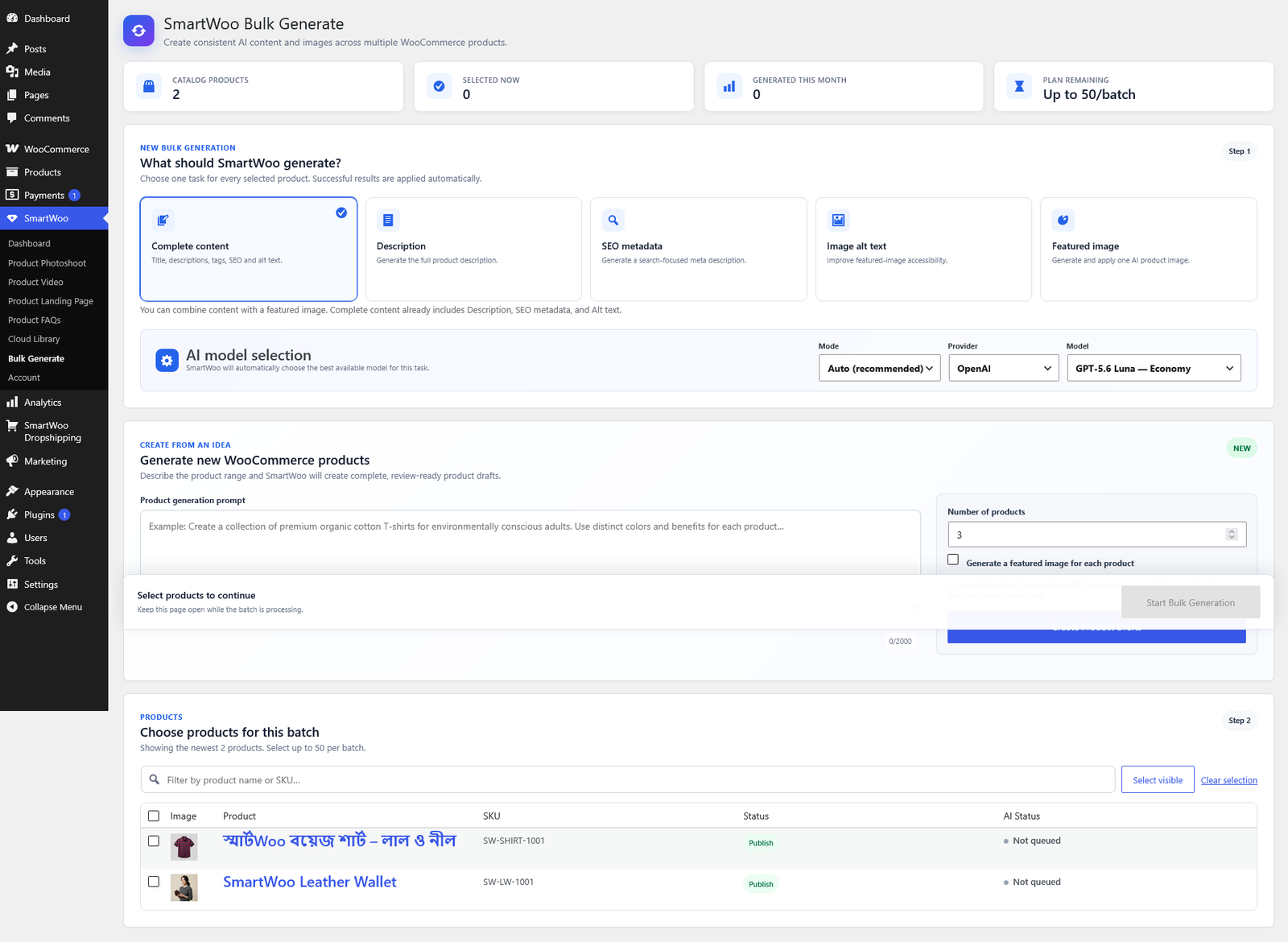
Make product content production faster without losing control. Generate individual fields, build galleries, or apply a selected workflow across multiple WooCommerce products.
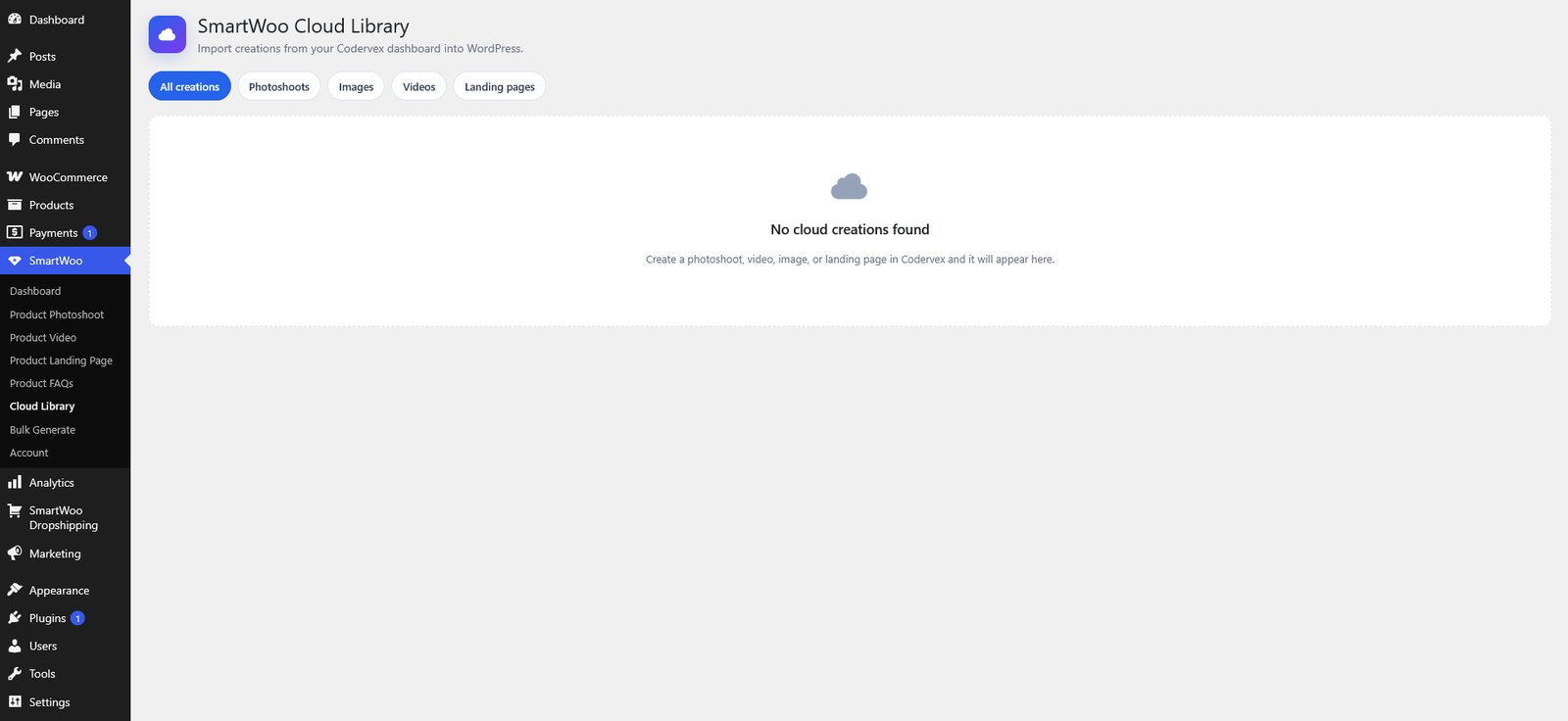
Publish selected images to WooCommerce galleries, or bring creations from CoderVex into WordPress through SmartWoo Cloud Library.
Upload the ZIP from WordPress → Plugins → Add New → Upload Plugin.
Authorize SmartWoo with a revocable CoderVex API key from your dashboard.
Open SmartWoo from WordPress and select the workflow that fits your campaign.